
Audience: Securonix customers, Customer success
Product Module: Securonix Support
Last Updated: September 2, 2026
KB ID: KB-20260902-pending-upgrade-status
Purpose
Some support issues require a product or platform upgrade before a confirmed fix can be applied. Pending Upgrade and Solved Pending Upgrade statuses are used to clearly identify and manage support cases where the next resolution step depends on completing that upgrade.
These statuses help Securonix Support and customers:
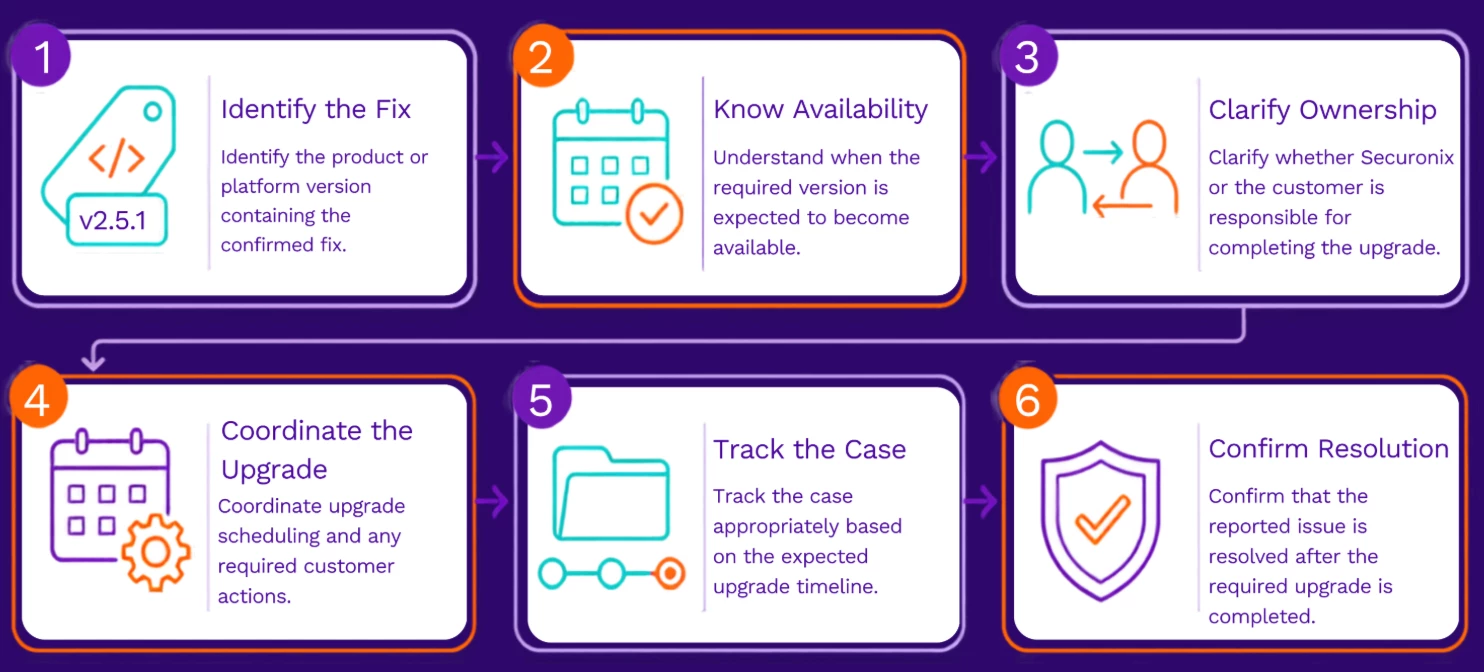
This article explains when each status is used, what you can expect while your case is awaiting an upgrade, and what happens after the upgrade is completed.
Pending Upgrade
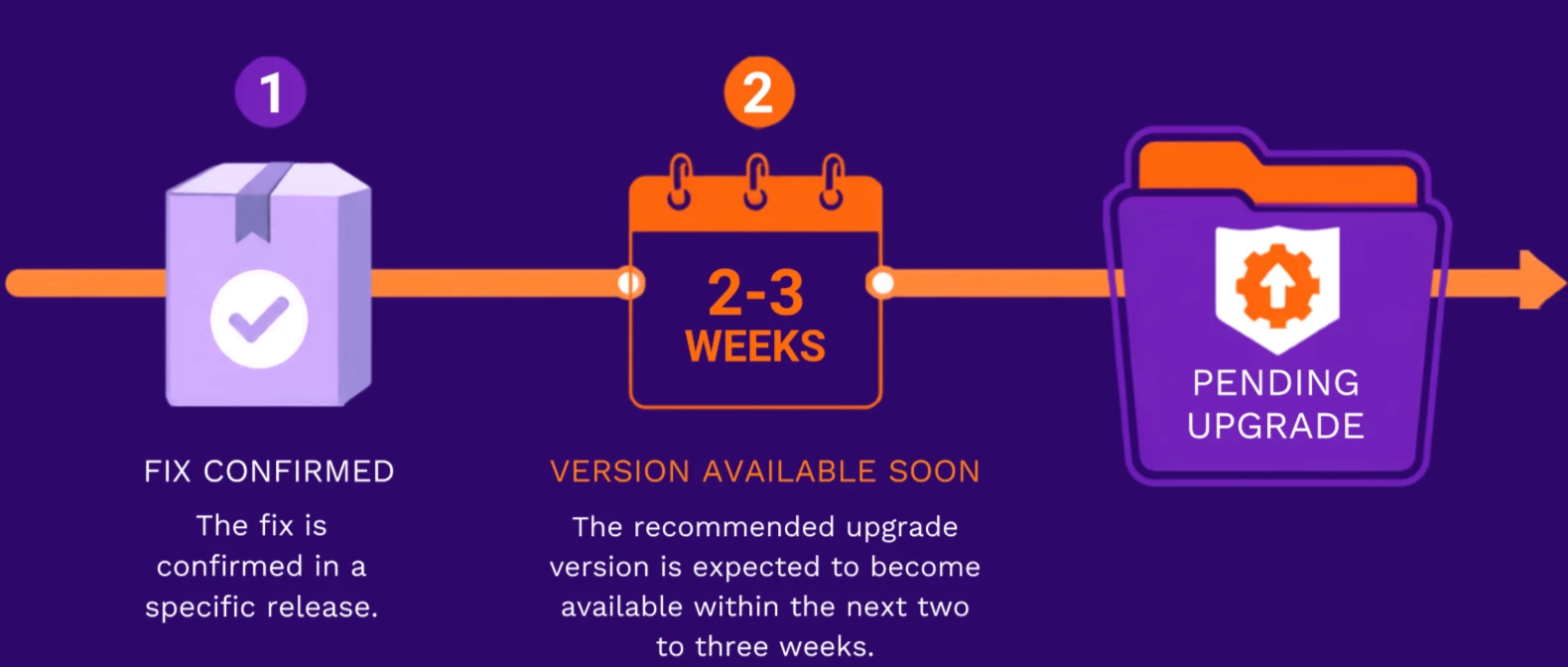
While the case is in this status, Securonix will:
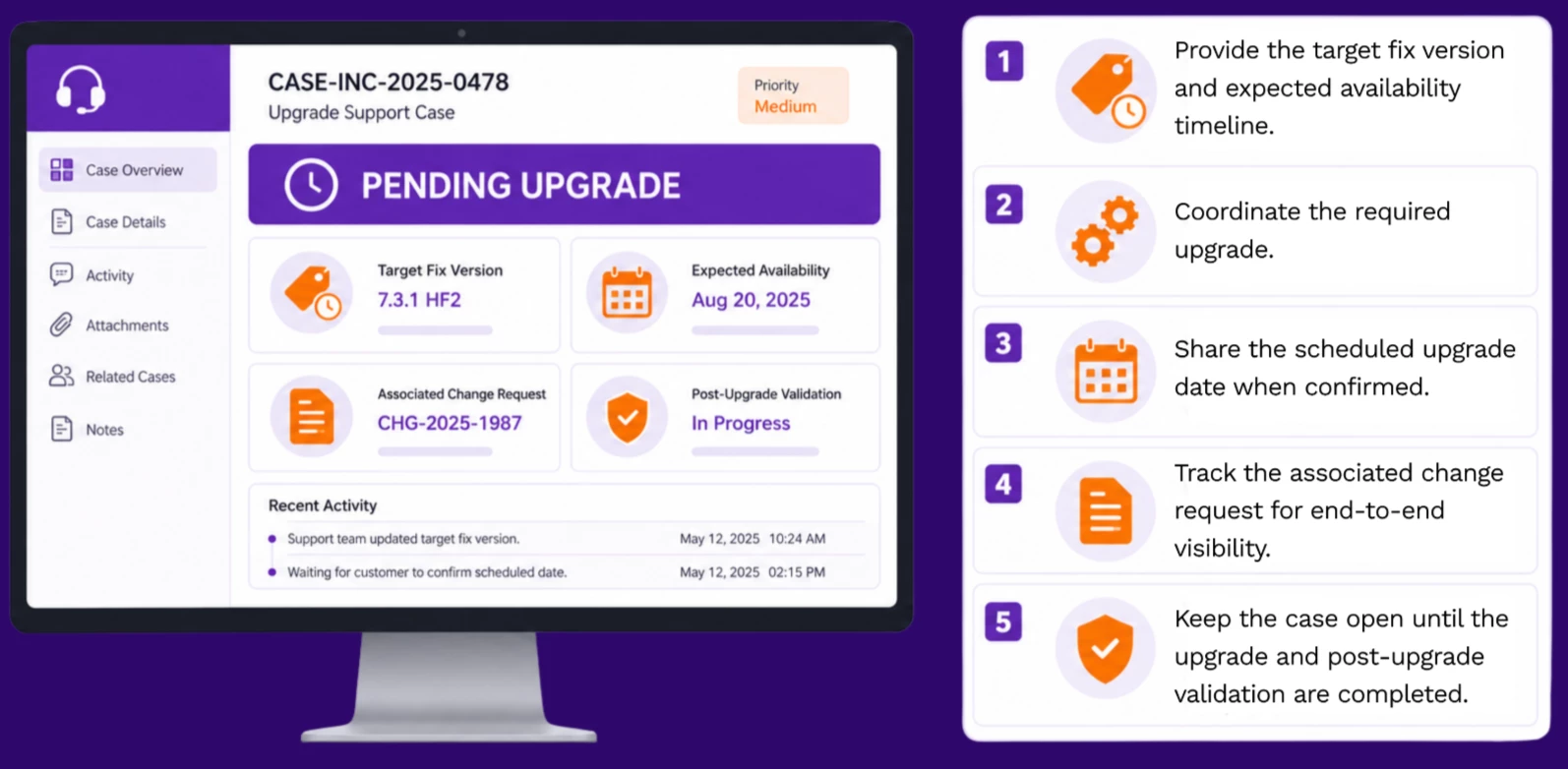
After the upgrade, Support will validate the affected functionality and request your confirmation before proceeding with case closure.
Solved Pending Upgrade
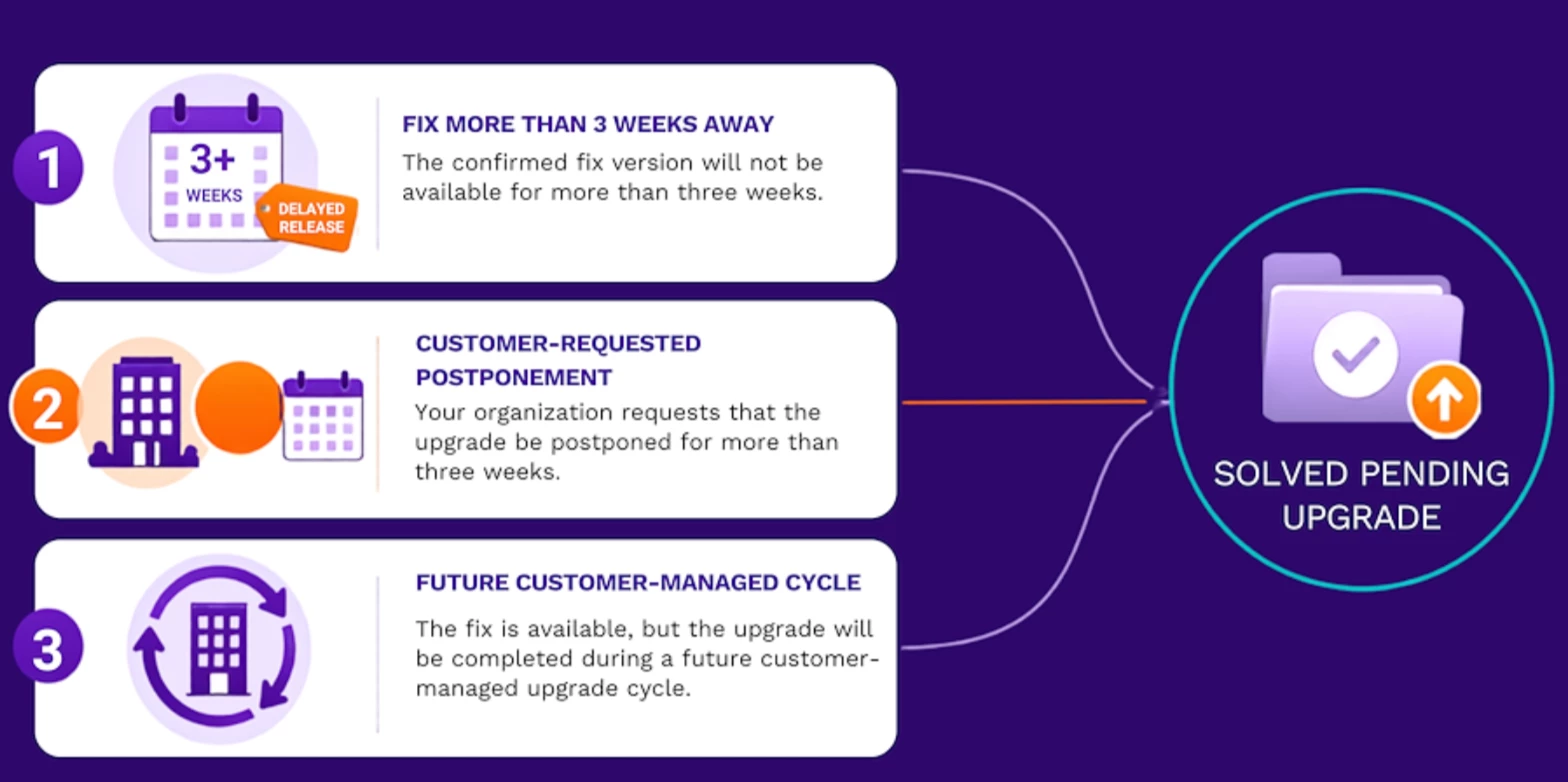
A case may be moved to Solved Pending Upgrade when:
-
The confirmed fix version will not be available for more than three weeks.
-
Your organization requests that the upgrade be postponed for more than three weeks.
-
The fix is available, but the upgrade will be completed during a future customer-managed upgrade cycle.
Before moving a case to this status, Securonix will provide:
-
The confirmed fix version.
-
The expected release or availability timeline.
-
Any relevant upgrade instructions or documentation.
The case will then be solved because no additional troubleshooting can be completed until the required upgrade is performed.
If the issue continues after upgrading to the recommended version, you may open a follow-up support case and reference the original case number. The new case can be linked to the previous case so that the troubleshooting history and technical context are retained.
HUB Upgrade Scenarios
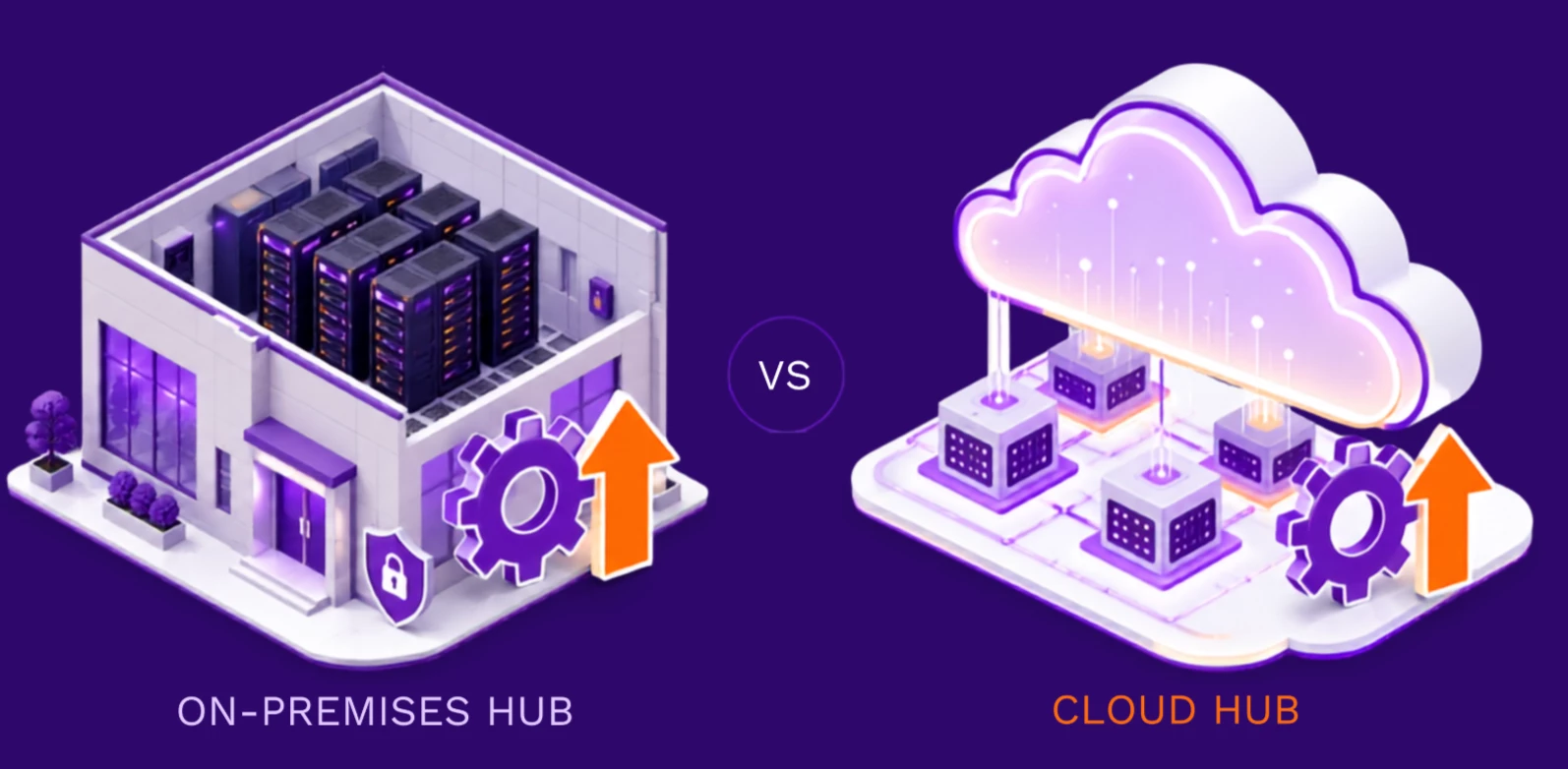
On-Premises HUB
For an on-premises HUB upgrade, Securonix Team will provide:
-
The HUB version containing the fix.
-
The expected release date, when available.
-
Access to the upgrade package through Securonix Downloads.
Because on-premises HUB upgrades are customer-managed, the support case may be moved to Solved Pending Upgrade after the required version and instructions are provided.
Once the upgrade package is released, you may open a service request if assistance is required with the upgrade. If you cannot access the Securonix Downloads portal, contact Securonix Support for assistance.
Cloud HUB
Cloud HUB upgrades are managed by Securonix. Therefore, the support case will remain in Pending Upgrade until:
-
The required version is released.
-
Securonix completes the Cloud HUB upgrade.
-
The affected functionality is validated.
Securonix will provide updates as the release and upgrade schedule become available.
What Customers Should Expect
When your case requires an upgrade, you can expect Securonix Support to clearly communicate:
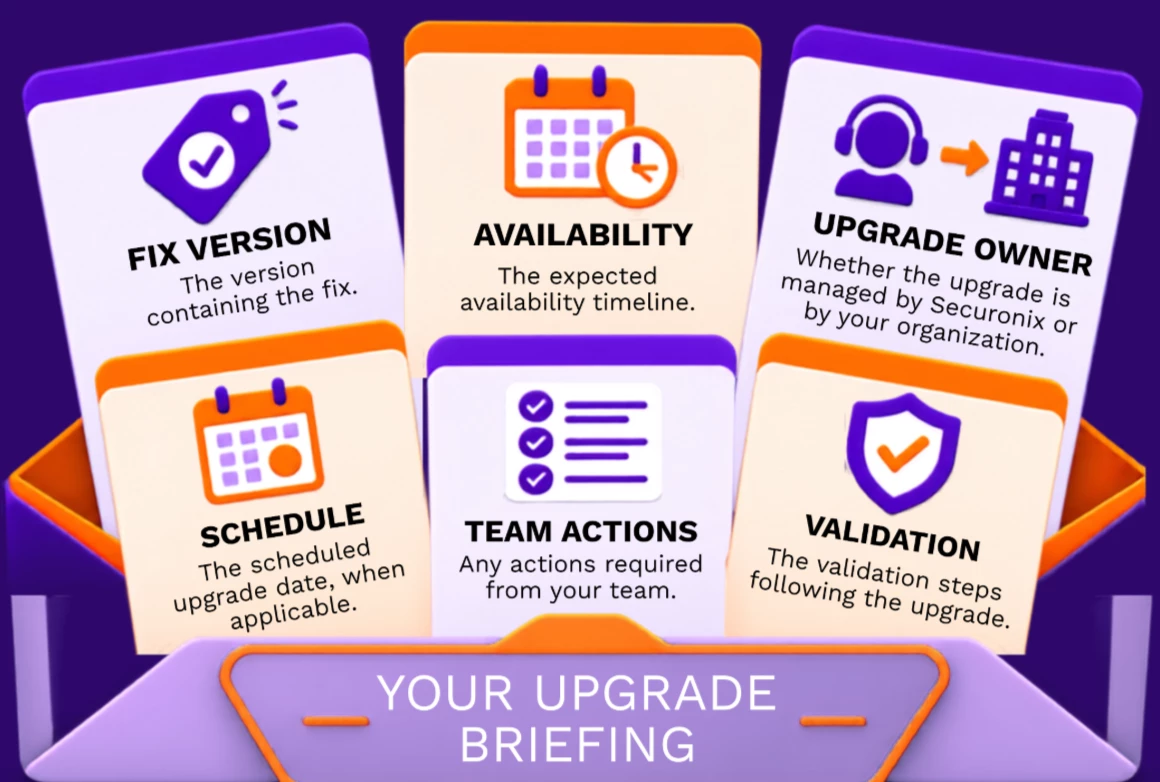
These statuses do not indicate that the reported issue has been disregarded. They indicate that the next available resolution step depends on completing a confirmed product or platform upgrade.