
TLDR:
Amazon Bedrock introduces new attack paths, including RAG poisoning, data exfiltration, agent hijacking, and guardrail tampering. This blog covers the Bedrock telemetry needed to detect these threats and how Securonix uses CloudTrail and Model Invocation Logging to identify suspicious AI activity.
Introduction:
Generative AI is rapidly becoming part of enterprise applications, and Amazon Bedrock enables organizations to build these applications without managing the underlying foundation models. While Bedrock simplifies AI adoption, it also introduces a new attack surface.
Attackers can abuse Bedrock using stolen AWS credentials, manipulate Knowledge Bases to poison Retrieval-Augmented Generation (RAG) applications, weaken Guardrails, or use compromised AI agents to access enterprise data. Detecting these threats requires visibility into both AWS control-plane activity and AI-specific operations.
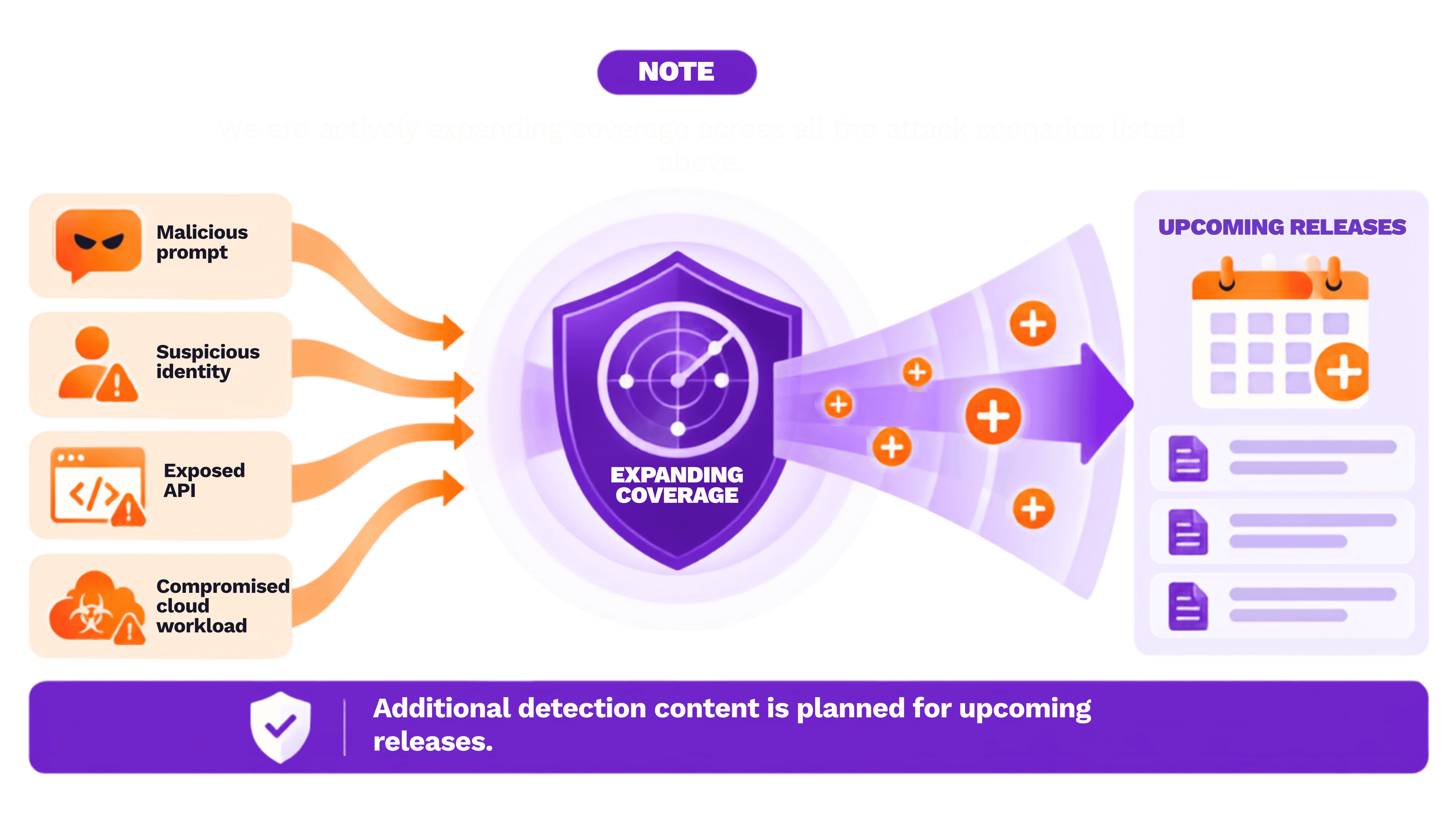
In this blog, we'll explore:
Common Attacks:
| LLMJacking | An attacker compromises AWS credentials and begins using Bedrock models to consume expensive AI resources. |
| Knowledge Base Reconnaissance | Before accessing enterprise information, an attacker identifies available Knowledge Bases and begins querying them. |
| RAG Data Exfiltration | Rather than stealing documents directly from storage, the attacker repeatedly queries the Knowledge Base through Bedrock. |
| RAG Poisoning | The attacker modifies the enterprise data used by the Knowledge Base. |
| Agent Hijacking | The attacker changes the agent's behavior by modifying tools or backend code. Instead of compromising the model, the attacker compromises what the agent can execute. |
| Model Customization Abuse | The attacker attempts to poison or misuse base foundation models or custom models. |
| Guardrail Tampering | The attacker weakens or removes AI safety controls. |
| Knowledge Base Manipulation | The attacker modifies or removes enterprise knowledge base. |
| Shadow AI | An attacker or unauthorized employee deploys AI infrastructure without approval. |
Logging and Monitoring in Amazon Bedrock:
Understanding the available telemetry is essential before designing detections.
CloudTrail Logging:
AWS CloudTrail records management events, data events, network activity events (for supported services), and CloudTrail Insights events. The two primary categories are management and data events.
Management events are enabled by default (read events are enabled by default; write events are also logged unless configured otherwise).
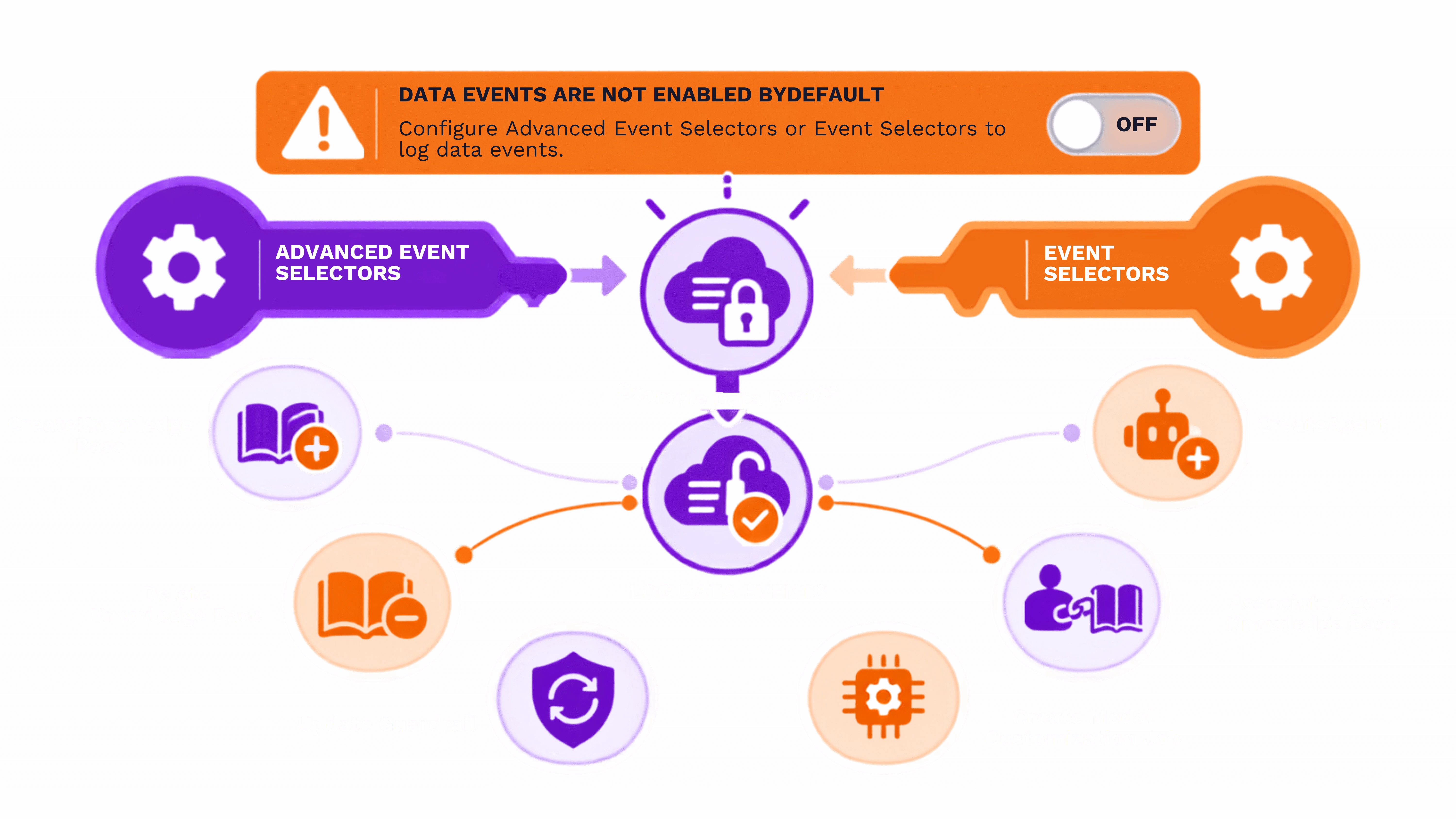
Data events are not enabled by default. You must configure Advanced Event Selectors or Event Selectors to log data events.
Integration guide for Securonix: AWS CloudTrail Integration Documentation
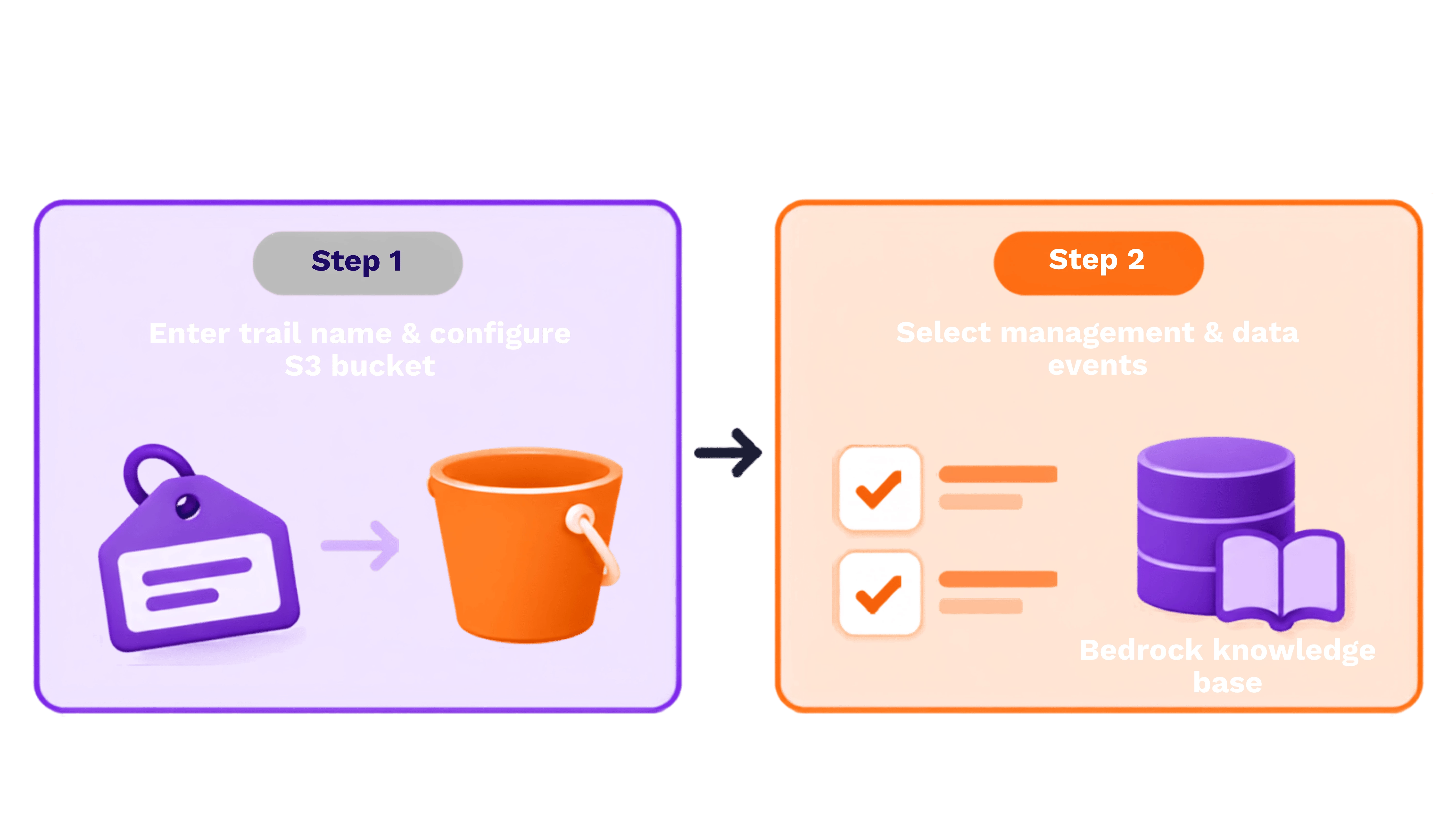
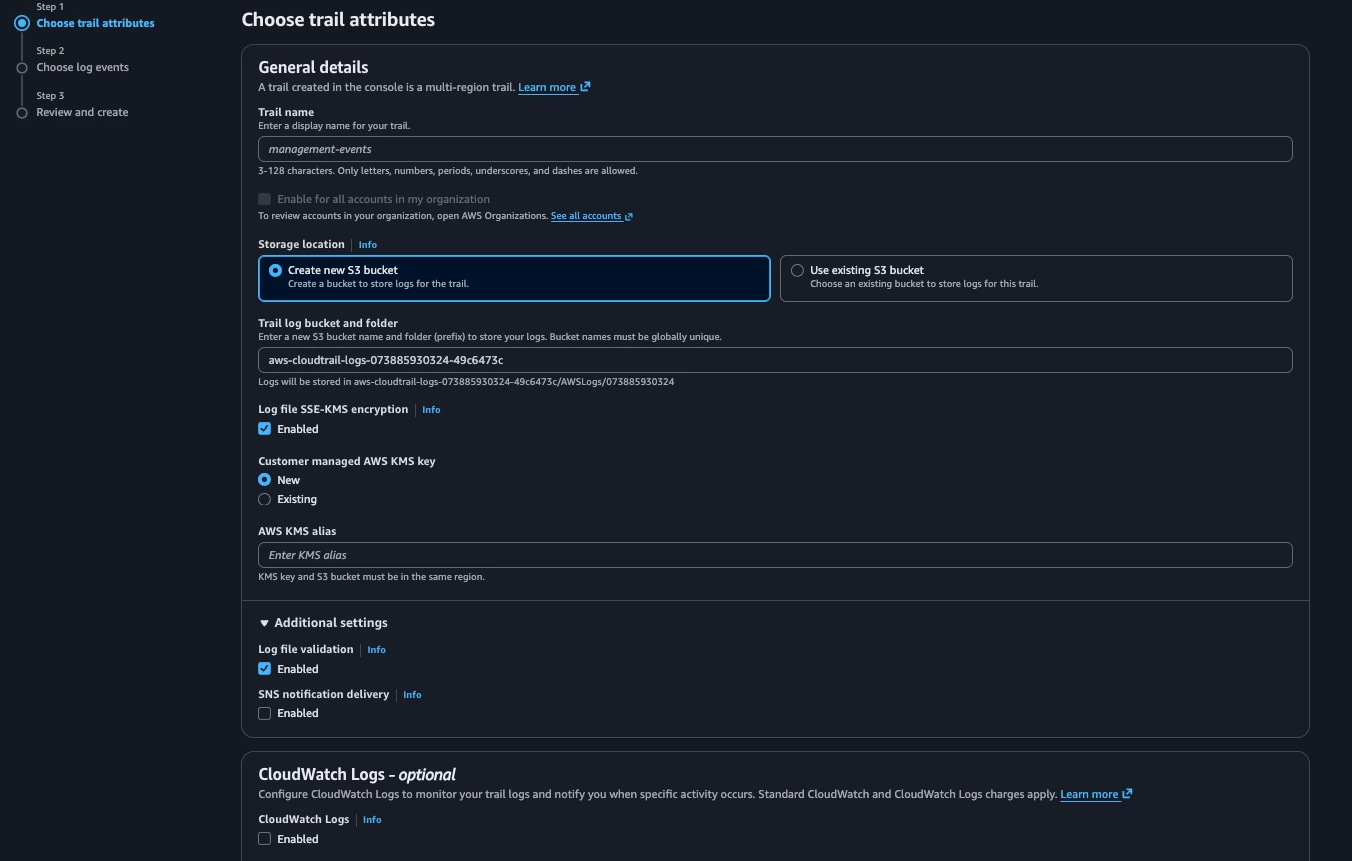
Step 1: Enter the trail name and create an Amazon S3 bucket or use an existing one.
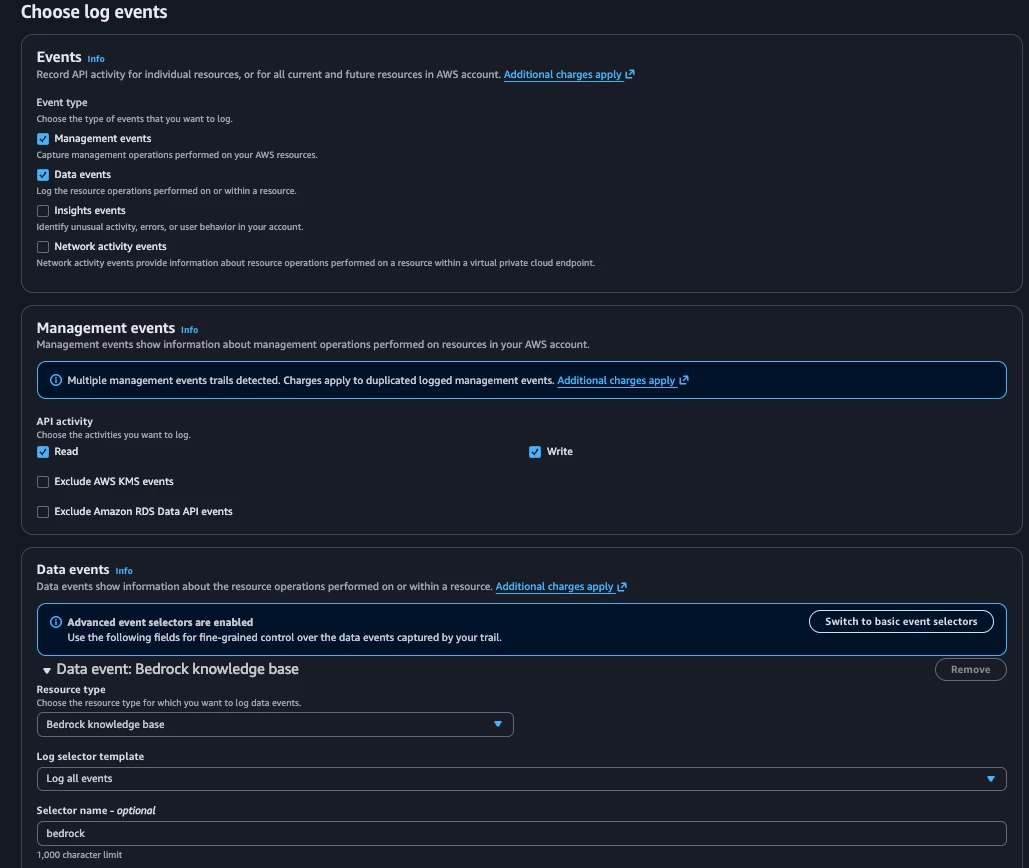
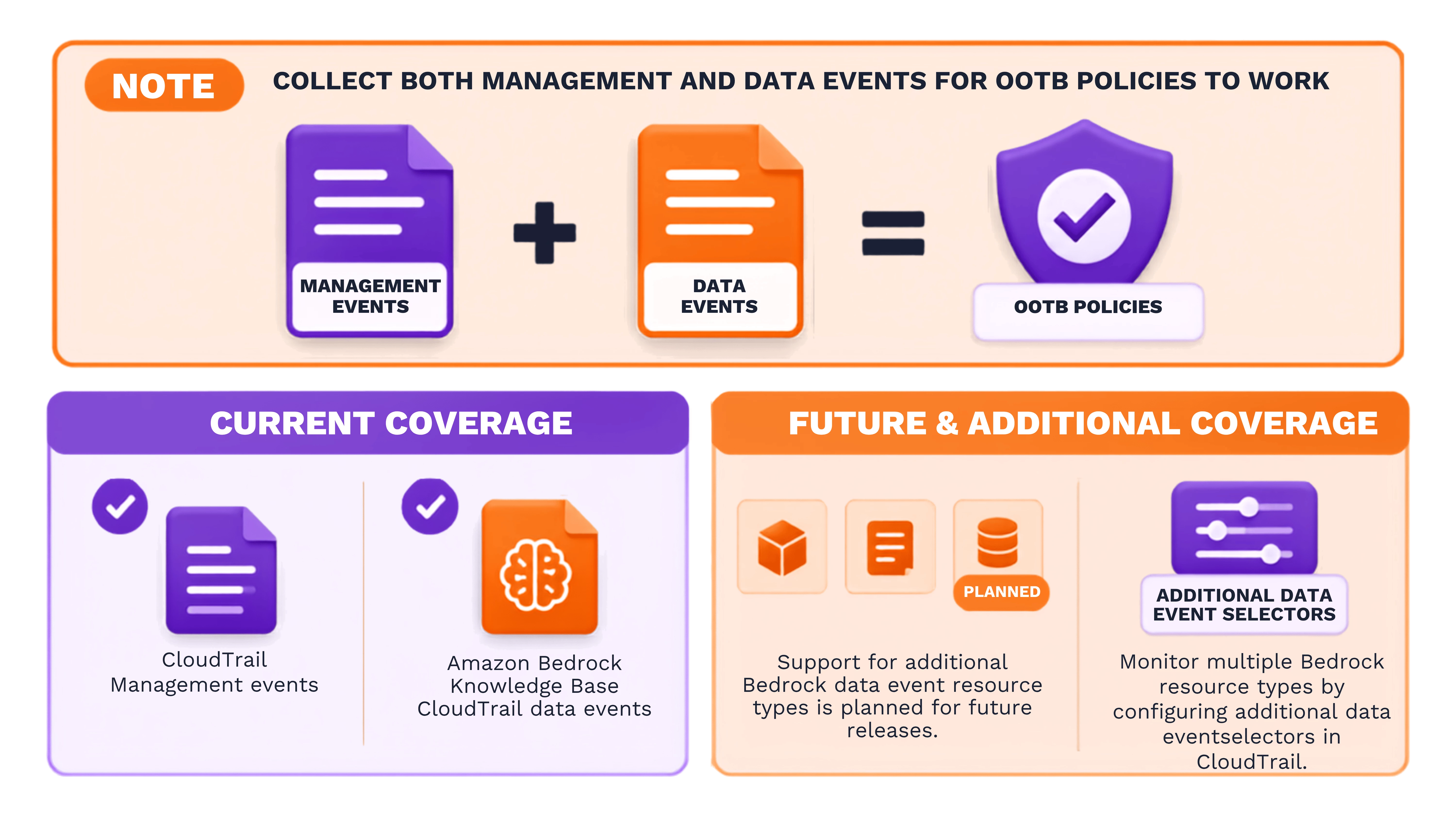
Step 2: In Choose log events, select both management and data events. Under Data events, select the bedrock knowledge base resource type.
Model Invocation Logging:
Unlike CloudTrail, Model Invocation Logging captures inference-specific telemetry. Policies and Parsers for model invocation logs will be available in future releases.
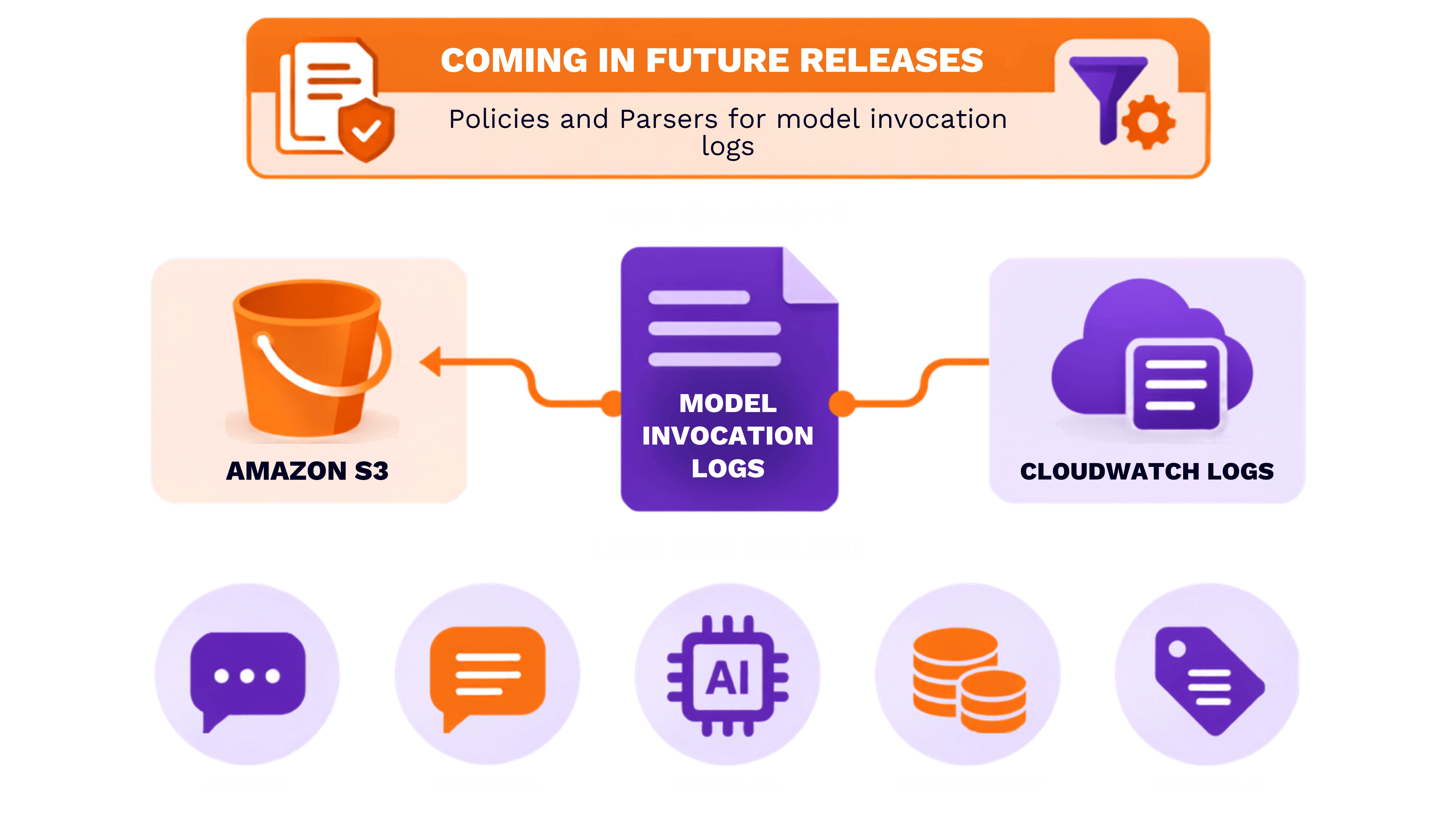
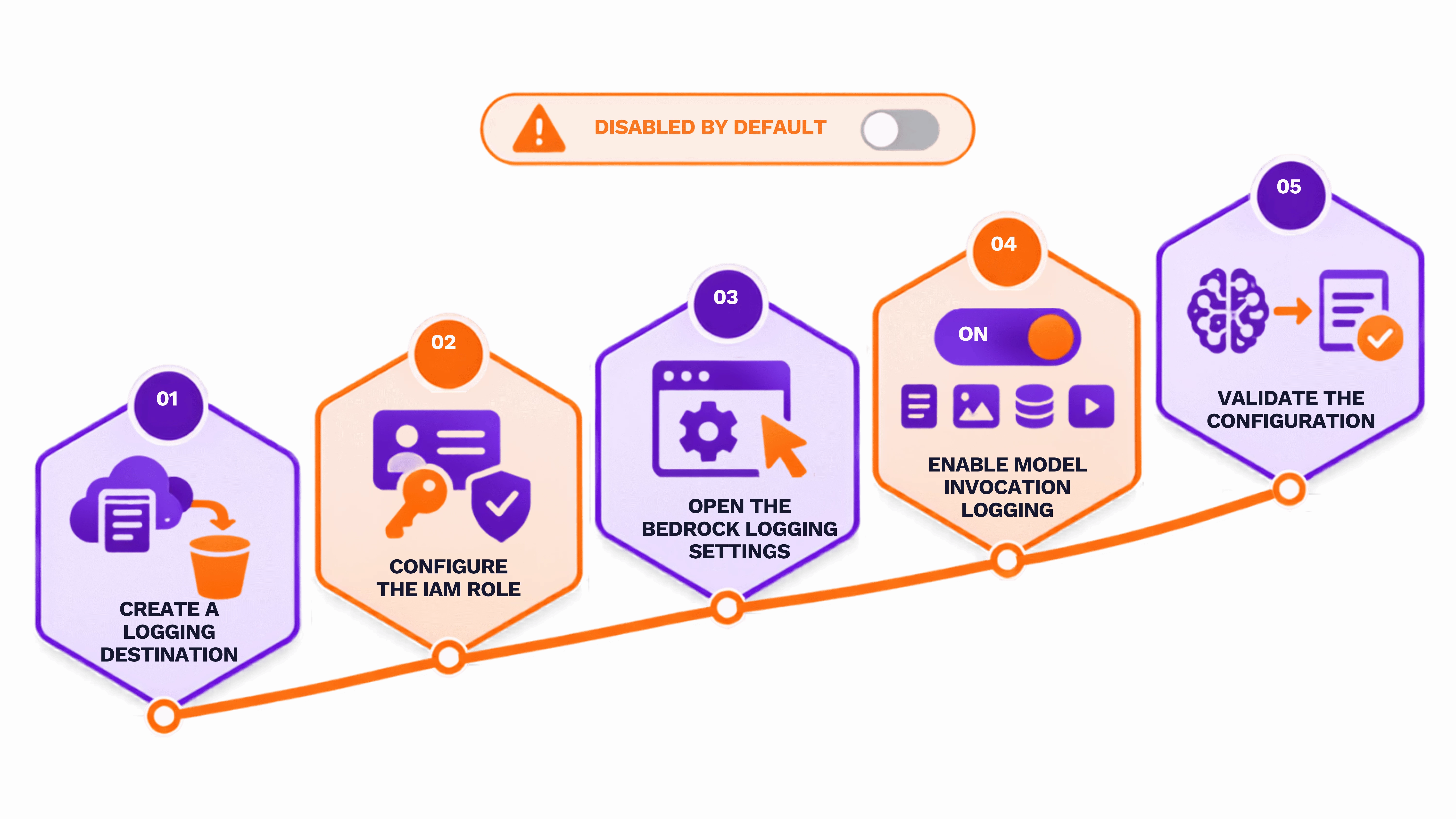
Amazon Bedrock Model Invocation Logging is disabled by default and must be explicitly enabled.
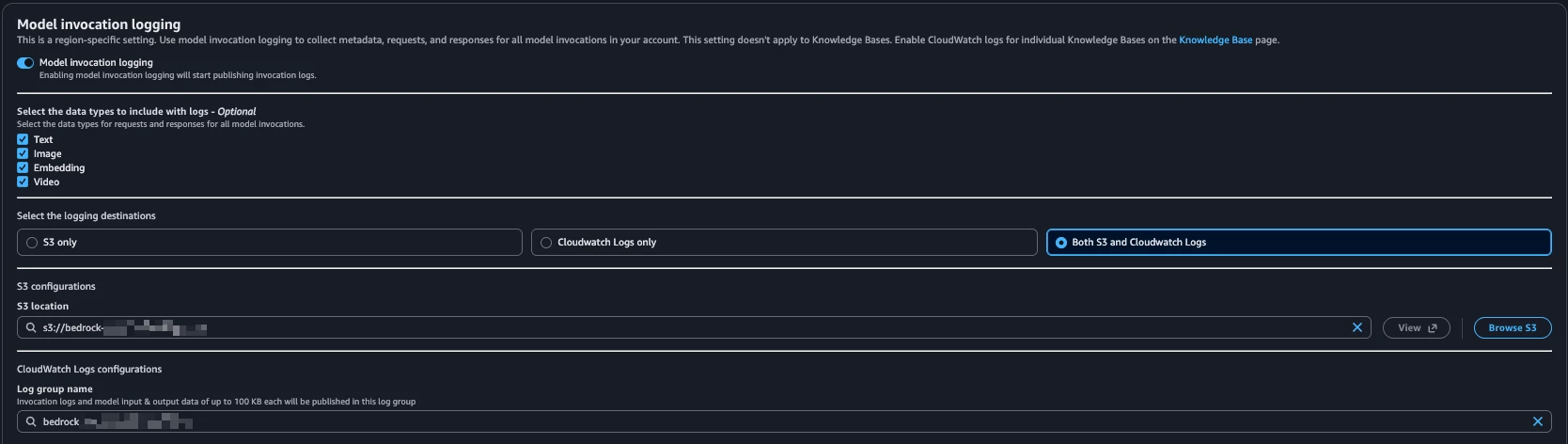
To configure it:
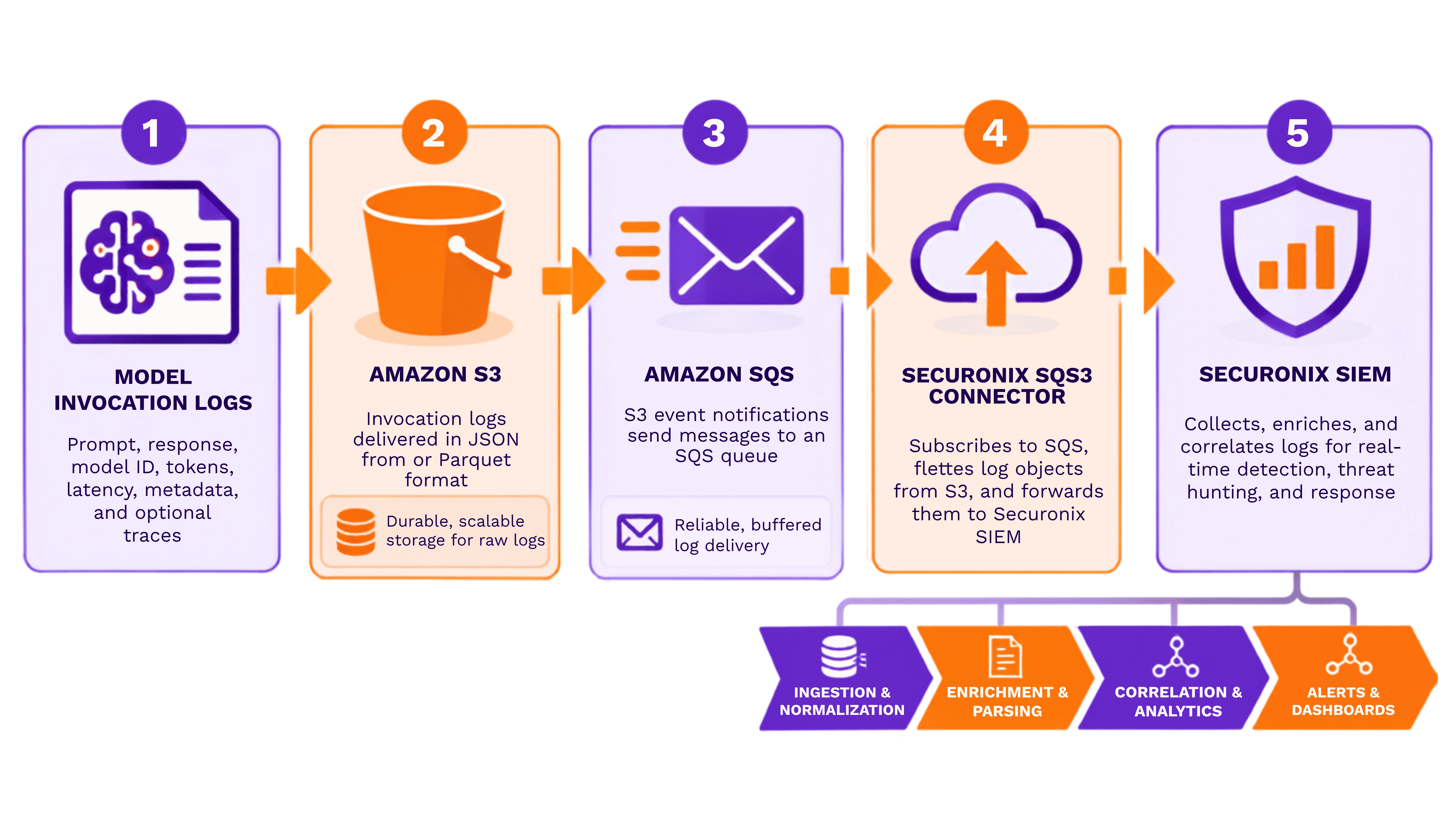
Integrating Amazon Bedrock Telemetry with Securonix:
Model Invocation logs: (Planned Integration)
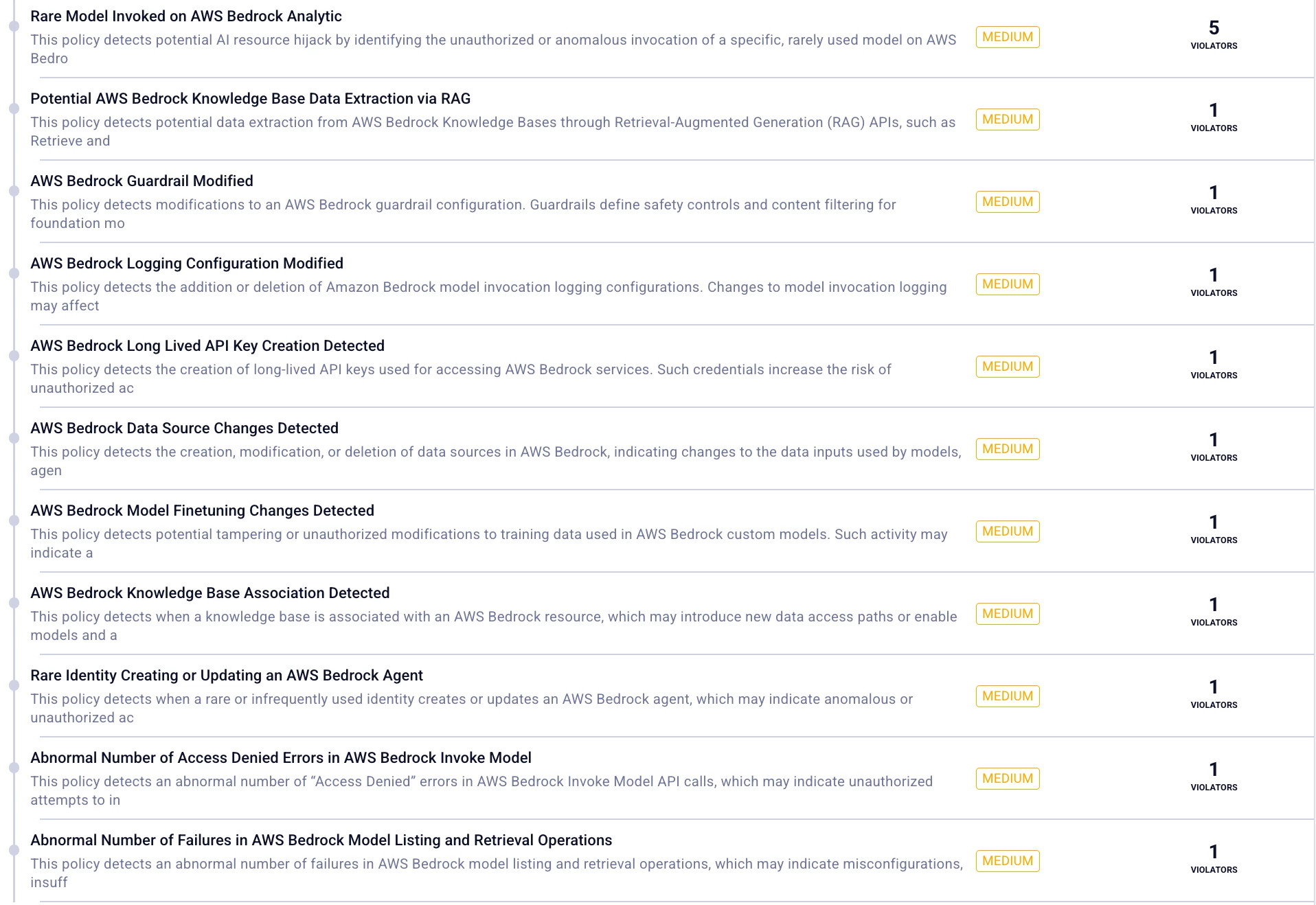
Threat Detection Coverage:
Rather than monitoring isolated API calls, Securonix correlates multiple Bedrock activities to identify attacker behavior.
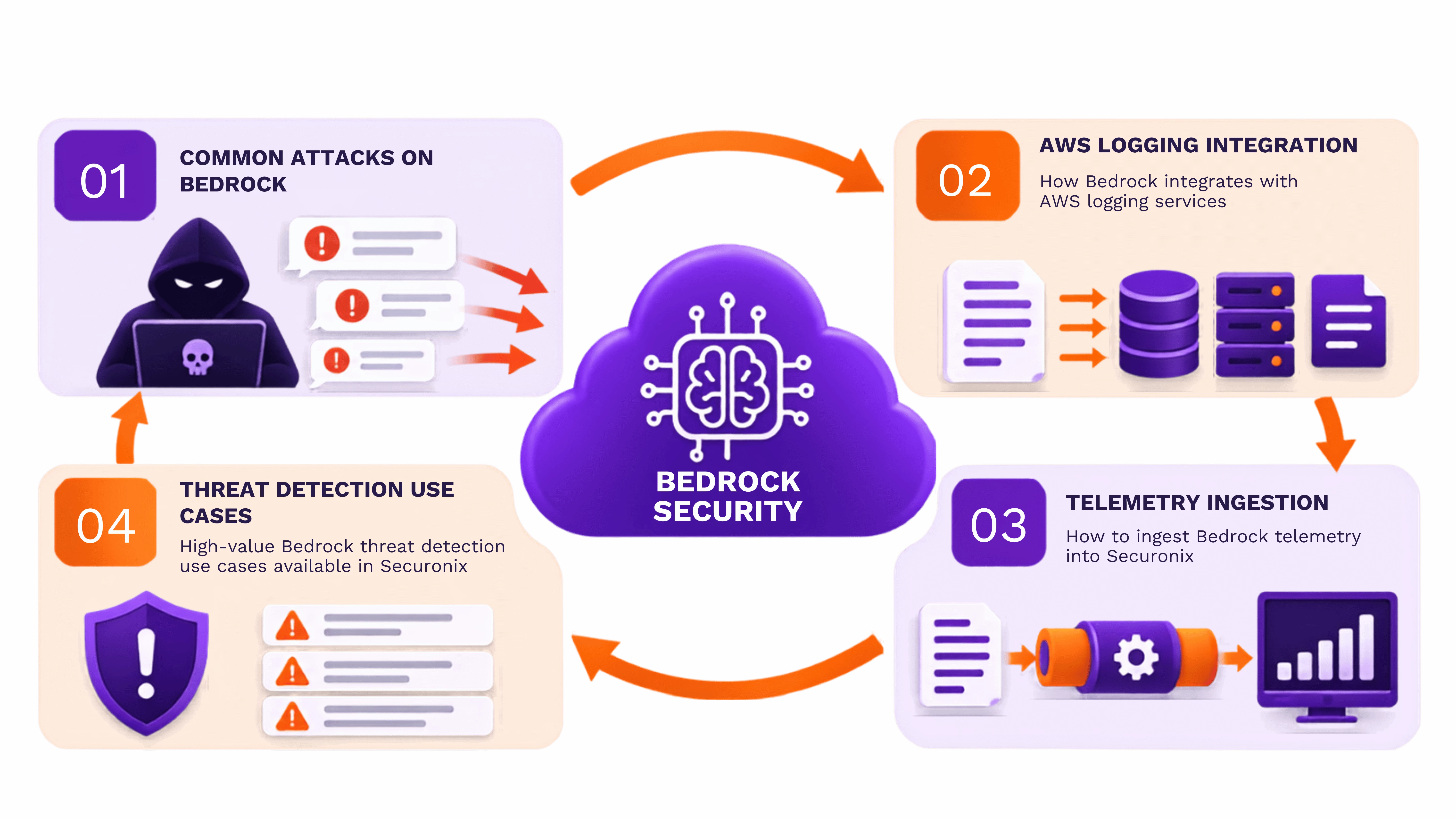
Currently, these policies are designed for CloudTrail logs. We are working on developing policies for model invocation logs in future releases.